
What App Is Used to Code Robots? A Complete Beginner’s Guide in 2026
If you are asking, “what app is used to code robots,” you are not alone. Thousands of students, hobbyists, engineers, teachers, and business owners search for this question every month. Robotics is growing faster than ever, and people want to know which apps, software, and programming platforms are used to make robots move, think, and perform tasks.
The answer is not as simple as naming one app. Different robots use different coding applications depending on their purpose. A simple educational robot may use a drag-and-drop coding app, while an industrial robot in a factory may require advanced programming software.
In this comprehensive guide, you will learn exactly what app is used to code robots, the best robot coding software available today, how beginners can get started, and which applications professionals use in real-world robotics projects.
Whether you are a student, parent, teacher, hobbyist, or future robotics engineer, this guide will help you understand the complete robot programming ecosystem in simple language.
What Does It Mean to Code a Robot?
Before exploring what app is used to code robots, it is important to understand robot coding itself.
Robot coding is the process of giving instructions to a robot so it can perform actions automatically. These instructions tell the robot:
- How to move
- When to stop
- How to detect obstacles
- How to react to sensors
- How to pick up objects
- How to communicate with other devices
Think of robot coding like teaching a robot how to behave. Without code, a robot is simply a machine with electronic components. Programming turns it into a smart system capable of completing useful tasks.

Why Different Robots Use Different Apps
One common misconception is that all robots use the same coding application.
In reality, robot programming software depends on several factors:
- Robot type
- Hardware capabilities
- Operating system
- Programming language
- User skill level
- Industry requirements
For example:
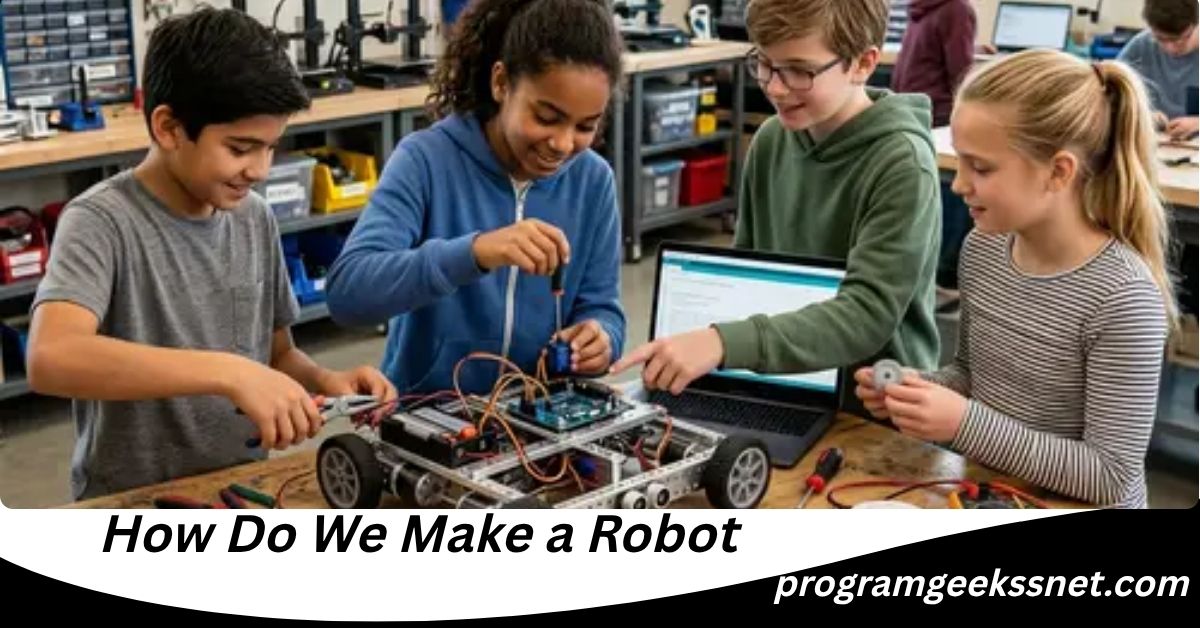
- Educational robots often use visual coding apps.
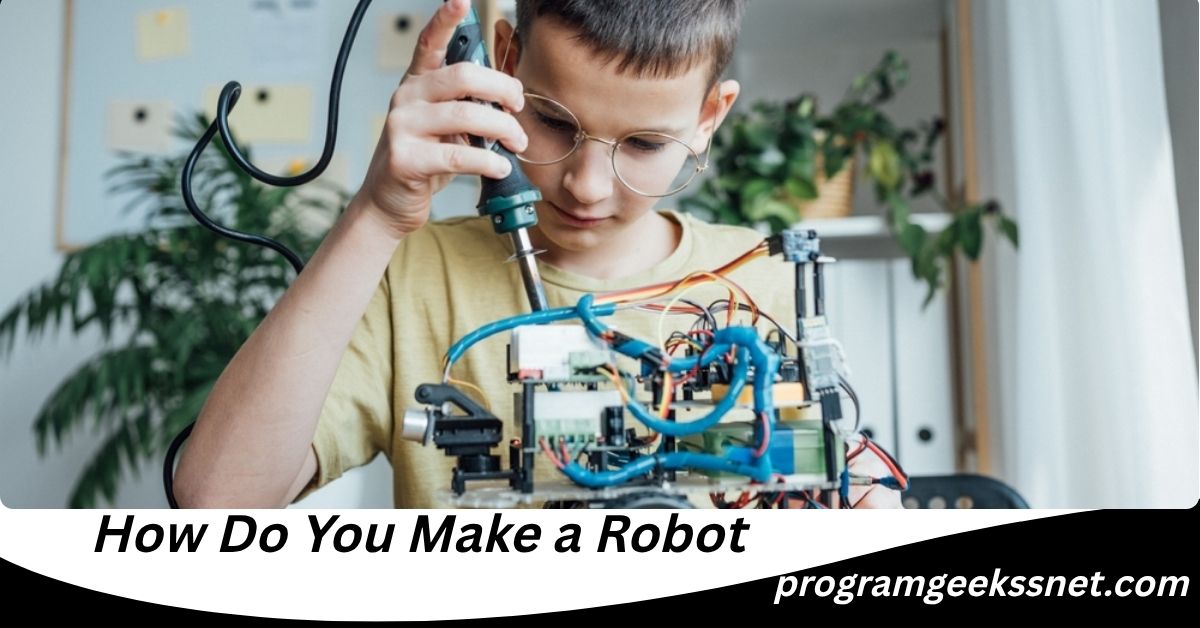
- Hobby robots frequently use Arduino software.
- Research robots often use ROS.
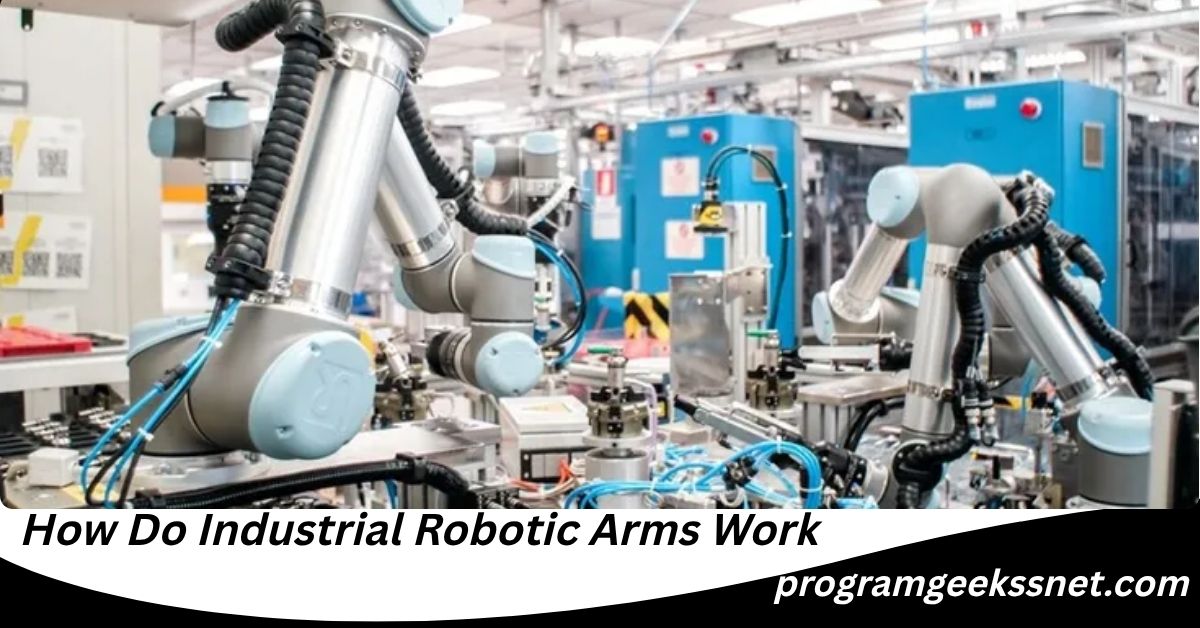
- Industrial robots use manufacturer-specific applications.
This is why the answer to “what app is used to code robots” varies depending on the robot being programmed.
What App Is Used to Code Robots? The Short Answer
The most commonly used apps and software for coding robots include:
- Arduino IDE
- Visual Studio Code
- ROS (Robot Operating System)
- MATLAB
- VEXcode
- LEGO SPIKE App
- Blockly
- Scratch
- Python IDEs
- RobotStudio
- RoboDK
- LabVIEW
Each application serves a different purpose and audience.
Let’s explore them in detail.
Arduino IDE: The Most Popular Robot Coding App
Arduino IDE is one of the most widely used applications for robot programming.
It allows users to write, edit, and upload code to Arduino microcontrollers that control robot behavior.
Why Arduino IDE Is Popular
- Free to use
- Beginner friendly
- Large online community
- Works with many robot kits
- Supports sensors and motors
Best For
- Students
- Beginners
- DIY robotics enthusiasts
- STEM education
Programming Language
Arduino uses a simplified version of C++.
Real-World Example
A line-following robot can be programmed in Arduino IDE to detect a black line and follow it automatically.
For many beginners searching what app is used to code robots, Arduino IDE is often the first software they encounter.
Visual Studio Code for Robotics
Visual Studio Code, commonly known as VS Code, has become one of the most popular development environments for robotics.
Many professional robotics developers use VS Code because it supports numerous programming languages.
Features
- Lightweight
- Fast performance
- Extensive extensions
- Git integration
- Debugging tools
Supported Languages
- Python
- C++
- JavaScript
- Rust
- Go
Best For
- Intermediate users
- Professional developers
- ROS projects
- AI-powered robotics
VS Code is especially useful when building advanced robots that require computer vision, machine learning, or automation systems.
ROS: The Industry Standard for Robotics
ROS stands for Robot Operating System.
Despite its name, ROS is not actually an operating system. Instead, it is a robotics framework that provides tools, libraries, and software components for robot development.
Why ROS Matters
Many modern robots rely on ROS because it simplifies development.
Instead of building everything from scratch, developers can use existing modules for:
- Navigation
- Mapping
- Sensor integration
- Motion planning
- Machine vision
ROS 2: The Modern Version
In 2026, ROS 2 continues to replace older ROS versions because it offers:
- Better security
- Faster communication
- Improved scalability
- Real-time capabilities
Best For
- Research robotics
- Autonomous robots
- Commercial robotics
- AI robotics
When professionals ask what app is used to code robots in advanced environments, ROS is usually part of the answer.
Python IDEs for Robot Programming
Python has become one of the most important programming languages in robotics.
Many robot developers use Python because it is easy to learn and highly versatile.
Popular Python Apps
- PyCharm
- Thonny
- Spyder
- Jupyter Notebook
- VS Code
Why Python Is Used
- Easy syntax
- AI integration
- Computer vision support
- Machine learning compatibility
Applications
- Robot navigation
- Sensor processing
- Artificial intelligence
- Object recognition
Python is especially popular in educational and research robotics.
Scratch: Best Robot Coding App for Kids
Scratch is a visual programming platform designed for beginners.
Instead of typing code, users drag and connect coding blocks.
Benefits
- No coding experience required
- Fun learning environment
- Visual programming
- Easy debugging
Best For
- Children
- Elementary students
- Coding clubs
- Robotics education
Supported Robot Platforms
- LEGO robots
- Micro:bit robots
- Educational robot kits
Scratch introduces young learners to programming concepts before moving into advanced languages.
Blockly Robotics Programming
Blockly is another visual coding system that helps users learn robotics.
Google originally developed Blockly as a beginner-friendly programming platform.
Advantages
- Drag-and-drop coding
- Easy learning curve
- Visual logic building
- Supports code generation
Common Uses
- Educational robots
- STEM programs
- Classroom robotics
Blockly bridges the gap between visual coding and text-based programming.
LEGO SPIKE App
LEGO robotics remains one of the most popular educational robotics platforms worldwide.
The LEGO SPIKE App helps students program LEGO robots using both visual blocks and Python.
Features
- Easy setup
- Interactive lessons
- Educational projects
- Built-in tutorials
Best For
- Schools
- Teachers
- Robotics competitions
- Young learners
The LEGO SPIKE platform makes robotics accessible even to complete beginners.
VEXcode for VEX Robotics
VEX Robotics is widely used in schools and robotics competitions.
VEXcode is the official programming software for VEX robots.
Available Versions
- VEXcode Blocks
- VEXcode Python
- VEXcode C++
Benefits
- Beginner to advanced progression
- Competition-ready
- Strong educational support
Popular Among
- Middle schools
- High schools
- Robotics teams
VEXcode provides a smooth learning path from basic coding to professional programming concepts.
Also Read: How to Develop a Robot: The Complete Beginner-to-Advanced Guide in 2026
MATLAB for Robotics Development
MATLAB is a powerful engineering software platform.
Many universities and research organizations use MATLAB for robotics development.
Key Features
- Data analysis
- Simulation tools
- Robotics Toolbox
- AI integration
Applications
- Autonomous vehicles
- Research robots
- Advanced algorithms
- Industrial automation
MATLAB is not usually the first choice for beginners, but it remains highly valuable in professional robotics.
RoboDK: Robot Programming and Simulation
RoboDK allows users to program and simulate industrial robots before deploying them in real environments.
Why RoboDK Is Useful
- Offline programming
- Simulation capabilities
- Reduced production downtime
- Multi-brand support
Industries Using RoboDK
- Manufacturing
- Automotive
- Aerospace
- Electronics
Simulation helps identify errors before a robot starts working physically.
RobotStudio for Industrial Robots
RobotStudio is a professional robot programming platform used for industrial automation.
Main Functions
- Robot simulation
- Virtual commissioning
- Path planning
- Production optimization
Used In
- Factories
- Manufacturing plants
- Industrial automation projects
Industrial robotics increasingly relies on digital simulation before physical deployment.
LabVIEW for Robotics Applications
LabVIEW uses a graphical programming approach.
Engineers often use it for robotics systems that require extensive sensor integration.
Advantages
- Visual programming
- Hardware connectivity
- Data acquisition
- Real-time monitoring
Best For
- Engineering students
- Research laboratories
- Automation systems
LabVIEW remains a trusted tool in engineering education and industrial applications.
Mobile Apps Used to Code Robots
Many people specifically want mobile apps when searching what app is used to code robots.
Today, several robot platforms offer smartphone and tablet programming.
Popular Mobile Robot Coding Apps
- LEGO SPIKE App
- Sphero Edu
- mBlock
- VEXcode VR
- Tynker
- Ozobot App
Benefits
- Learn anywhere
- Easy setup
- Beginner friendly
- Interactive lessons
Mobile coding apps make robotics more accessible than ever before.
Best App for Beginners Learning Robotics
If you are completely new to robotics, start with one of these options:
Scratch
Great for kids and first-time learners.
Blockly
Simple visual programming.
LEGO SPIKE App
Excellent educational platform.
Arduino IDE
Perfect first step into real robot programming.
VEXcode Blocks
Easy transition into advanced robotics.
These platforms help build confidence before moving to more advanced software.
Best Apps for Professional Robot Developers
Professional robotics engineers typically use:
- ROS 2
- Visual Studio Code
- Python
- C++
- MATLAB
- RoboDK
- RobotStudio
These tools support complex robotics systems, artificial intelligence, and industrial automation.
What Programming Languages Are Used with Robot Apps?
Robot programming apps often support multiple languages.
Python
Most beginner-friendly language.
C++
Fast and powerful for robotics.
Java
Used in some robotics applications.
JavaScript
Useful for web-connected robots.
MATLAB Language
Common in engineering environments.
Blockly and Scratch
Visual programming languages.
Choosing the right language depends on your robotics goals.
How Artificial Intelligence Is Changing Robot Programming
The robotics industry has changed significantly due to artificial intelligence.
Modern robot coding apps increasingly support:
- Machine learning
- Computer vision
- Voice recognition
- Autonomous navigation
- Predictive decision-making
Developers can now create robots capable of learning from data rather than simply following fixed instructions.
This represents one of the biggest shifts in robotics development over the past decade.
Cloud-Based Robot Programming Platforms
Cloud robotics continues to grow in popularity.
Instead of running everything locally, robots can connect to cloud systems for processing.
Benefits
- Remote updates
- Shared computing power
- Real-time collaboration
- Improved scalability
Many modern robot applications now integrate cloud-based services to enhance performance.
How to Choose the Right Robot Coding App
Choosing the right app depends on your goals.
For Children
- Scratch
- Blockly
- LEGO SPIKE
For Students
- Arduino IDE
- VEXcode
- Python
For Hobbyists
- Arduino IDE
- VS Code
- RoboDK
For Researchers
- ROS 2
- MATLAB
- Python
For Industry
- RobotStudio
- RoboDK
- ROS 2
Selecting the right software can dramatically improve your learning speed and project success.
Common Mistakes Beginners Make
Many new robotics learners face similar challenges.
Choosing Advanced Software Too Early
Start simple before learning ROS or advanced industrial tools.
Ignoring Programming Basics
Learn coding fundamentals first.
Not Understanding Hardware
Robotics combines software and electronics.
Copying Code Without Learning
Understanding concepts is more important than copying projects.
Skipping Practice
Consistent practice leads to faster progress.
Avoiding these mistakes can save months of frustration.
Also Read: How to Construct a Robot: The Complete Beginner-to-Advanced Guide in 2026
The Future of Robot Coding Apps
Robot programming is becoming easier every year.
Future robot coding platforms are expected to include:
- AI-assisted coding
- Natural language programming
- Voice-based commands
- Automatic debugging
- Advanced simulations
- Cloud collaboration
Soon, users may be able to describe robot behaviors in plain English and have software generate most of the code automatically.
This trend will make robotics accessible to millions of new users.
Final Thoughts
So, what app is used to code robots?
The truth is that there is no single app used for all robots. Different robots require different programming tools based on their purpose, complexity, and user skill level.
For beginners, Scratch, Blockly, LEGO SPIKE, and Arduino IDE are excellent choices. For students and hobbyists, Python and Visual Studio Code offer powerful flexibility. For professionals and researchers, ROS 2, MATLAB, RoboDK, and RobotStudio remain among the most important tools available today.
The best approach is to start with a beginner-friendly platform, build programming skills gradually, and move toward more advanced robotics software as your experience grows.
Robotics is no longer limited to engineers. With modern coding apps, anyone can learn how to program robots and participate in one of the fastest-growing technology fields in the world.
Frequently Asked Questions (FAQs)
What app is used to code robots for beginners?
The best beginner apps include Scratch, Blockly, LEGO SPIKE App, Arduino IDE, and VEXcode Blocks. These platforms provide easy-to-understand interfaces and learning resources.
Can I code robots on a phone?
Yes. Several robotics platforms offer mobile apps, including LEGO SPIKE, Sphero Edu, mBlock, Ozobot, and Tynker.
Is Python good for robotics?
Yes. Python is one of the most popular robotics programming languages because it is simple, powerful, and widely supported.
Do all robots use the same coding software?
No. Different robots use different software depending on their hardware, operating systems, and intended applications.
What is ROS in robotics?
ROS, or Robot Operating System, is a robotics framework that helps developers build complex robotic systems more efficiently.
Can kids learn robot coding?
Absolutely. Platforms such as Scratch, Blockly, LEGO SPIKE, and VEXcode are specifically designed for children and students.
Is robot coding difficult to learn?
Not necessarily. Modern visual programming tools make robotics much easier than it was in the past. Most beginners can learn basic robot coding within a few weeks.
Which robot coding app is free?
Several free options are available, including Arduino IDE, Scratch, Blockly, Visual Studio Code, ROS 2, and many educational robot coding platforms.
Can artificial intelligence be added to robots?
Yes. Modern robotics platforms often integrate AI features such as machine learning, computer vision, speech recognition, and autonomous navigation.
What should I learn first before coding robots?
Start with basic programming concepts, simple robotics projects, and beginner-friendly platforms like Scratch or Arduino IDE before moving to advanced robotics frameworks.
editor's pick
latest video

news via inbox
Nulla turp dis cursus. Integer liberos euismod pretium faucibua